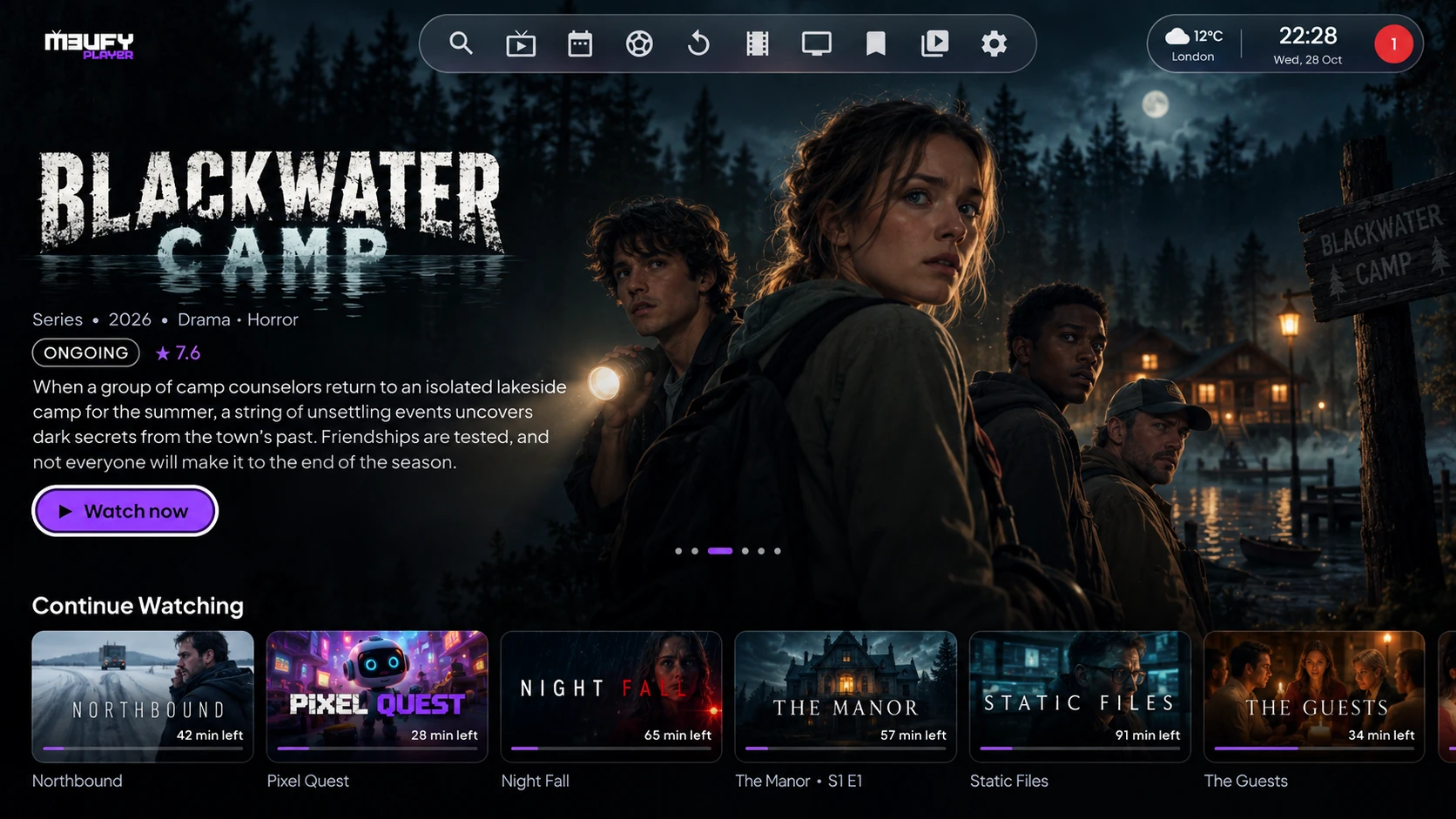
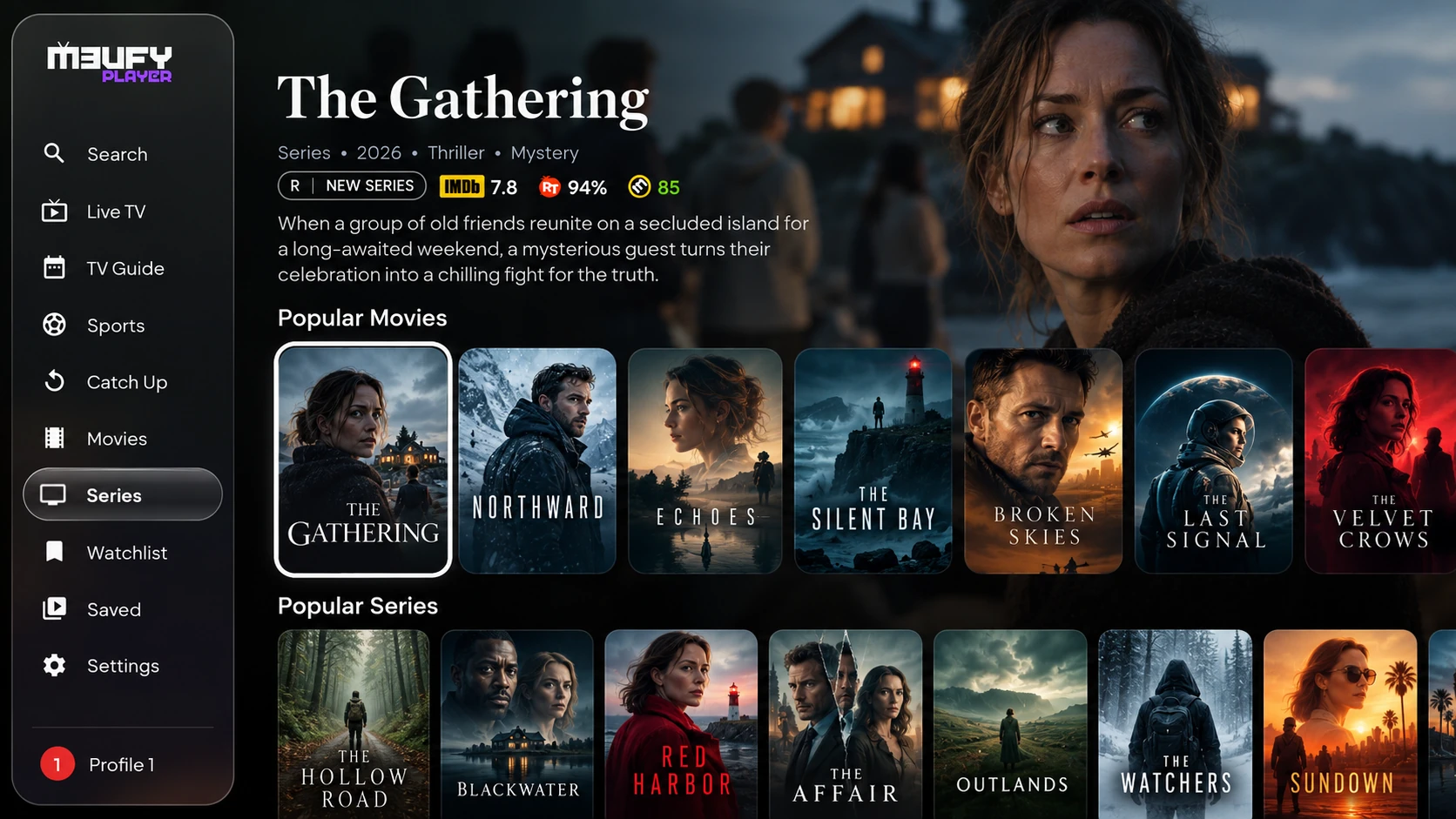
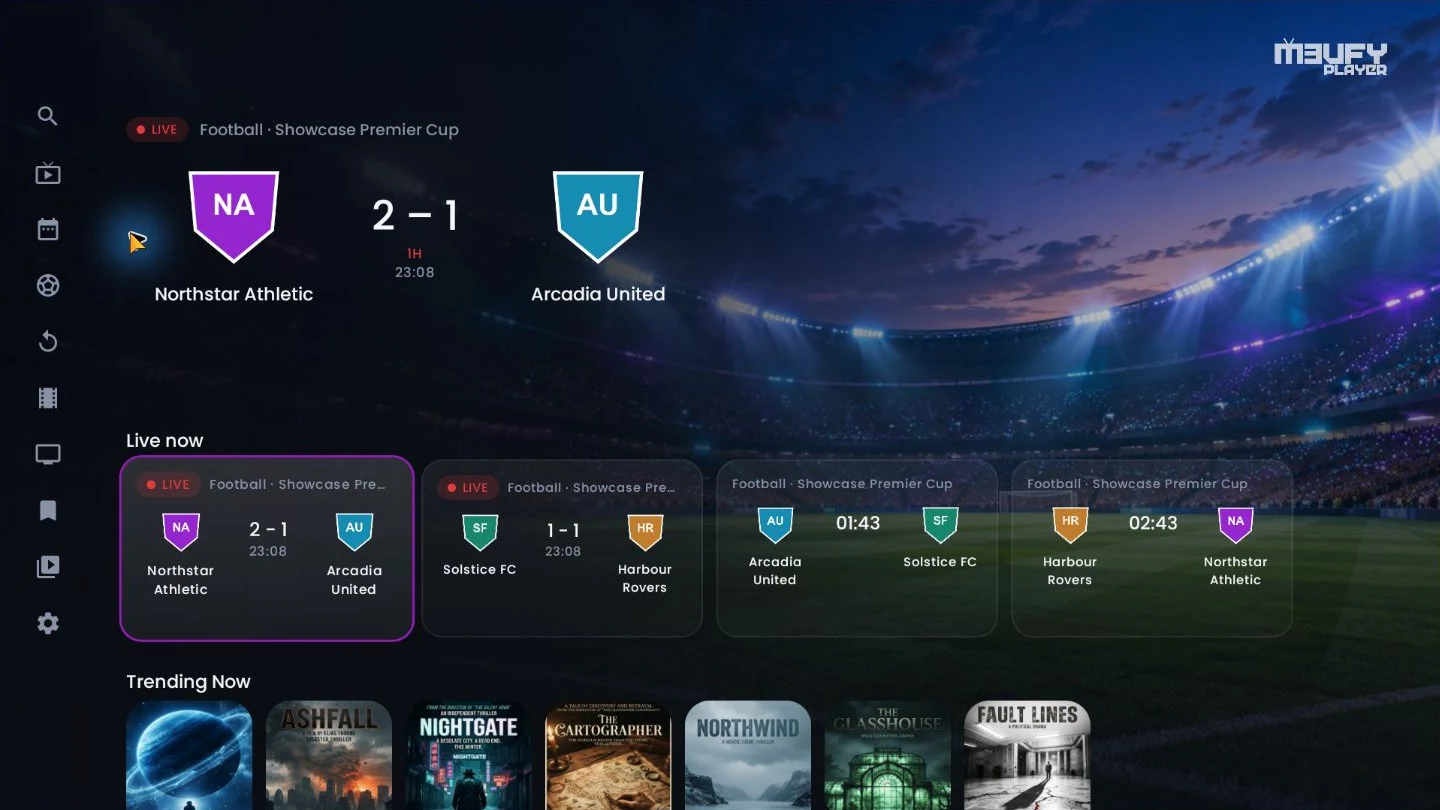
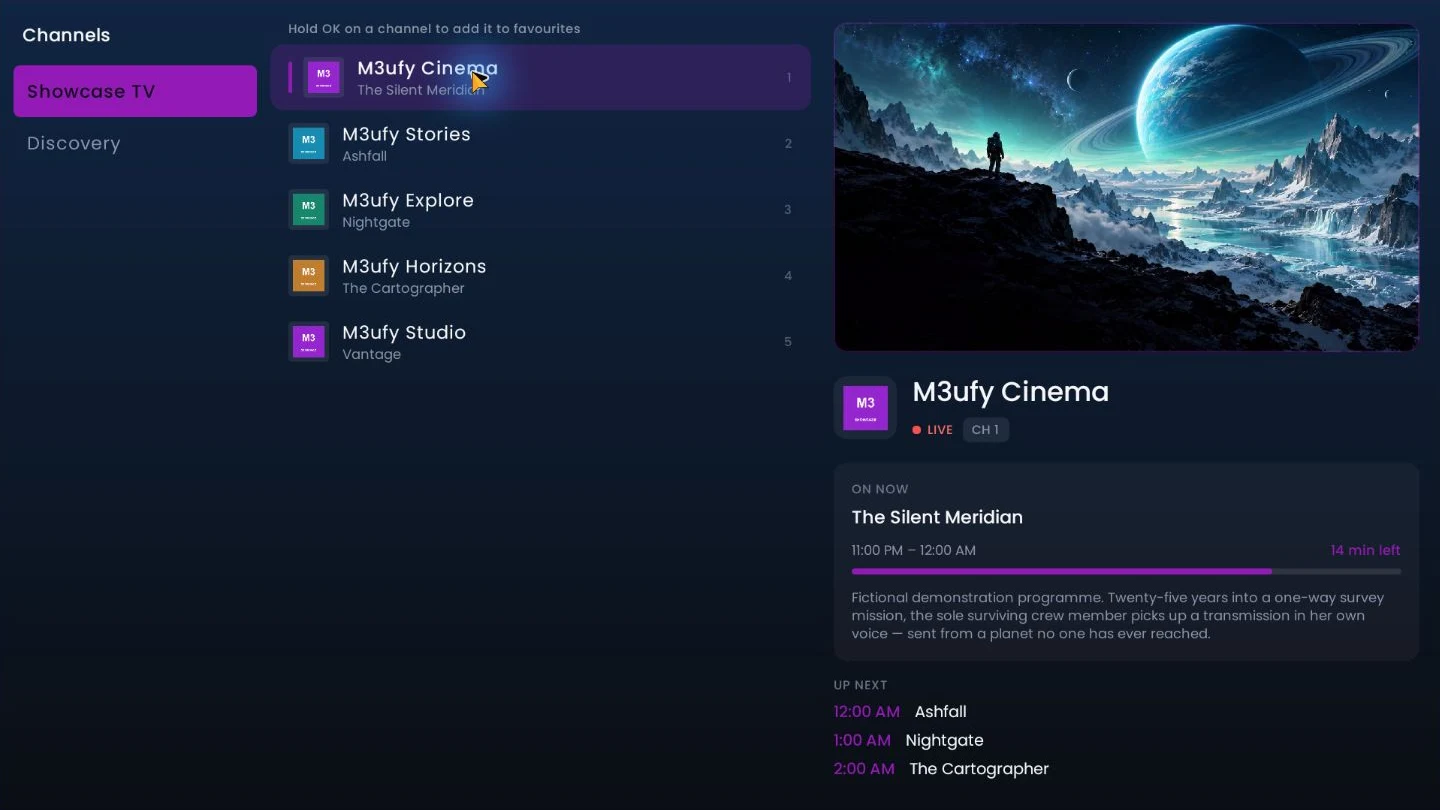
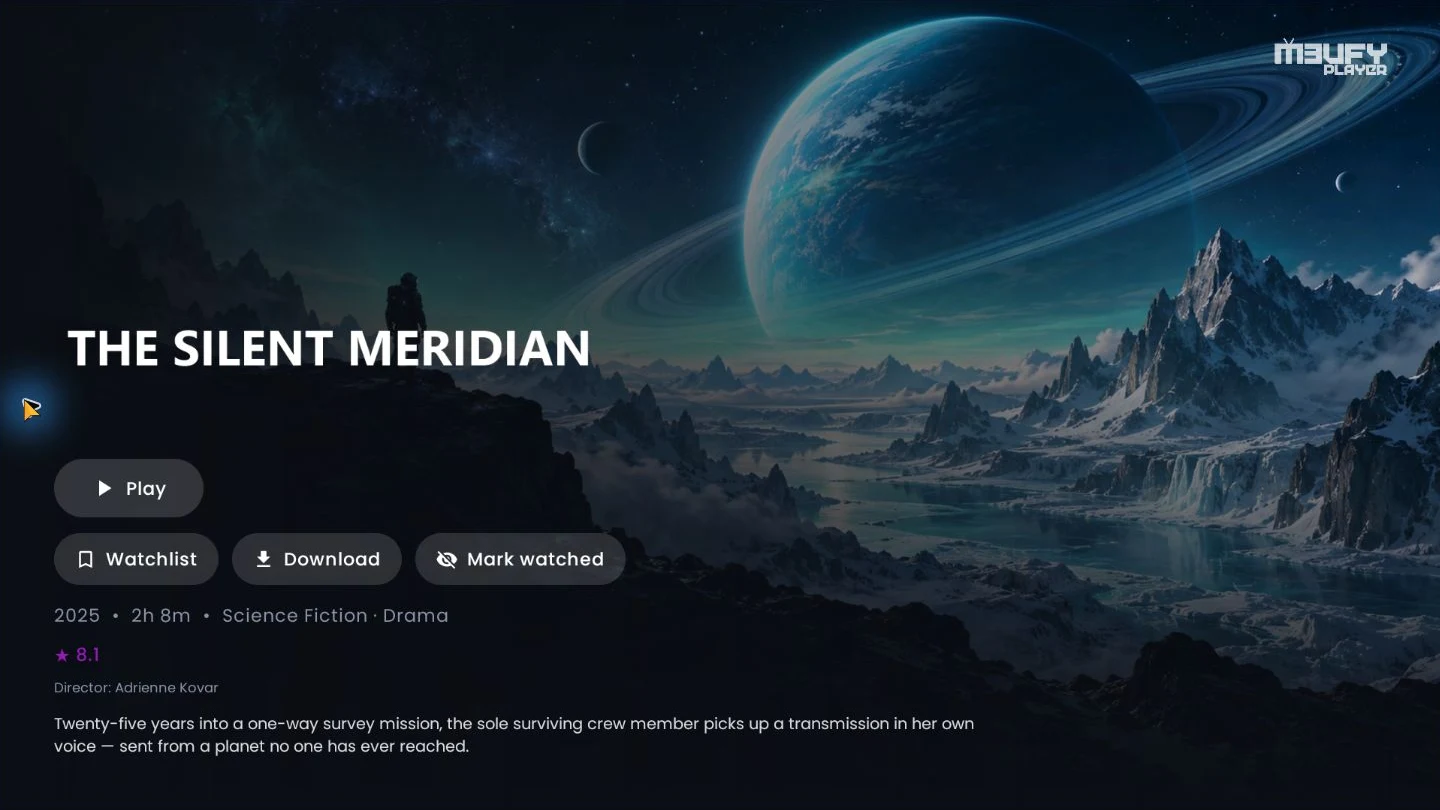
M3ufy Player turns any IPTV subscription into a beautiful, cinematic experience โ live TV with a full guide, movies and series with rich artwork, smart subtitles and audio, a recorder that writes to a USB stick or your NAS, and a profile for everyone in the house. Your progress follows you everywhere. Bring your own playlist.
Every part of M3ufy Player is designed for the living room โ fast, focus-friendly, and genuinely beautiful.
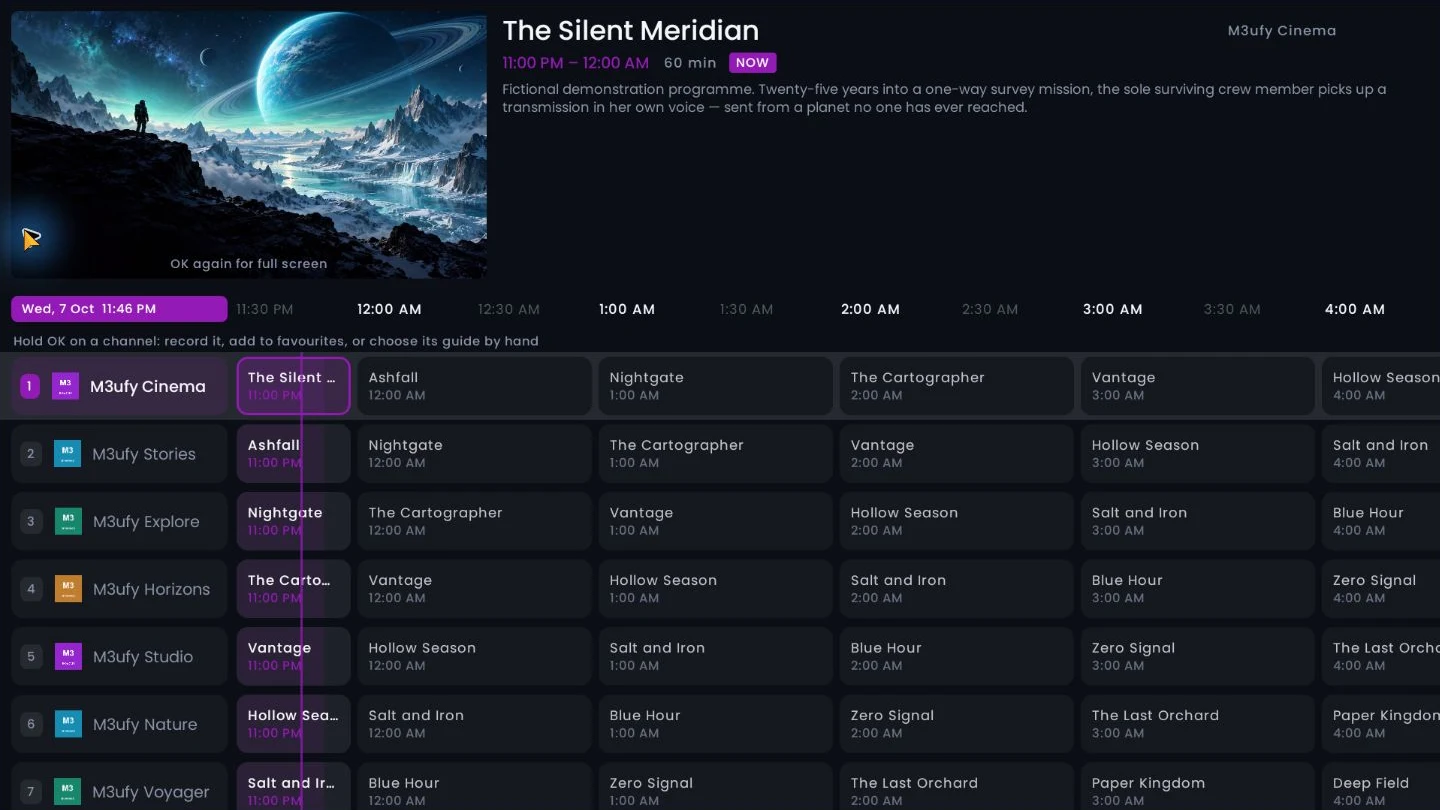
The whole schedule as a grid โ every channel down the side, the day across the top, a live line on the minute you are in โ with now/next, channel numbers and instant zapping. Hold a direction to fly through hundreds of channels and press OK to watch what you land on.
Record what is on now, or book a programme from the guide with your own padding and daily or weekly repeats. Recordings go to a USB stick, the box's own drive, a folder you pick or straight onto a NAS โ and play back in the app.
Rewind live television. Browse a channel's archive and play any past programme, then drop straight back to live with a single press.
Cinematic detail pages with backdrops, title logos, cast, trailers, ratings and "more like this" โ pulled from multiple metadata sources.
Real per-episode stills, summaries, air dates and runtimes โ even for shows your provider left blank โ with watched ticks on every episode.
Search across live channels, movies and series at once, and jump straight into a rich detail page or playback.
ExoPlayer for everyday streams, the platform player as a fallback, and mpv โ which decodes the formats a television refuses, including AC-3, E-AC-3 and DTS audio. Choose one for live and another for films, or let the app switch to mpv by itself the moment a stream turns out to be one your device cannot handle.
Add a MAG-style portal with the MAC address the app generates for your device โ live TV, films, series, guide and catch-up, alongside your Xtream and M3U playlists.
Up to four people on one television, each with their own Continue Watching, favourites, groups, recordings and settings. One can be a child's: only what is meant for children, its own colourful look, and a four-digit code to leave it.
Hide the groups you never watch, pin the ones you always do, build groups of your own from any channels, and arrange the home screen rows in the order you want them.
Every picture below is a screenshot from a television running M3ufy Player with an ordinary playlist. Nothing is staged, and nothing is a design that never shipped.
Two engines, professional audio decoding, and subtitles that appear before you press play.
Set your languages once and every title plays the way you want โ no fiddling with menus.
Tuned for the boxes people actually own โ from flagship Google TV to budget Fire TV sticks.
Live television, films and episodes โ kept on a USB stick, the box's own storage, or a folder on your network.
Most IPTV accounts allow one stream at a time. Recording the channel you are watching used to ask your provider for a second one โ which is how a recording ends up killing the picture.
Anything you keep on a drive is yours to watch when the line is down, the trip is long, or the provider is having a bad evening.
M3ufy remembers what you watch and picks up exactly where you stopped.
Connect your Trakt account and M3ufy keeps everything in sync โ across every device and app you use.
Up to four profiles on a box. Everyone keeps their own half of the app; the playlist stays shared.
An accent colour of your choosing, a true black theme for OLED panels, and text you can size up until it is comfortable from the sofa.
English, Arabic, French, German, Spanish, Italian, Dutch, Polish, Portuguese, Romanian, Russian and Turkish โ with the whole interface laid out right-to-left where that is how you read.
Paste an external JSON link and it answers with playable sources beside the ones from your own playlist โ and, where it offers lists, contributes rows to your home screen. The app ships none of these links and knows none of them by name.
Scan a QR code to add playlists and manage your account from a phone or laptop โ no typing long URLs with a remote.
Add several IPTV sources, switch between them, and see each one's name and expiry at a glance.
Your progress, favourites and playlists follow you to a new device or a reinstall โ nothing lost.
A secured web dashboard to manage devices and see what's happening โ your account, your control.
Get new features the moment they ship, with a clean in-app update flow and changelog.
Prefer the browser? The original M3ufy web tools are still here โ no install needed.
Stream live TV, movies and series straight in your browser.
Convert Xtream Codes logins into downloadable M3U playlists online.
Build, edit and export custom IPTV playlists entirely online.
We're celebrating the launch of M3ufy Player. The first 2000 devices get a full year of M3ufy free. No payment, no card โ install the app, then redeem with the details your TV shows you.
Install M3ufy Player on your Android TV, Google TV or Fire TV โ with the Downloader app, code 2625887.
Open Settings โ About and note the MAC address and device key.
Enter them on this site and your free year is activated instantly.
Nothing is held back for a higher tier โ every plan is the whole app, with no adverts. What changes is how many devices it covers and for how long. No channels or films are included: M3ufy plays the playlist you already have.
Create a free account and add every device you own โ then add playlists, check each subscription and manage them all from your phone or computer. Prefer not to sign up? You can manage a single TV with just its MAC address and device key.
Download M3ufy Player, add your playlist, and enjoy IPTV the way it should look.